
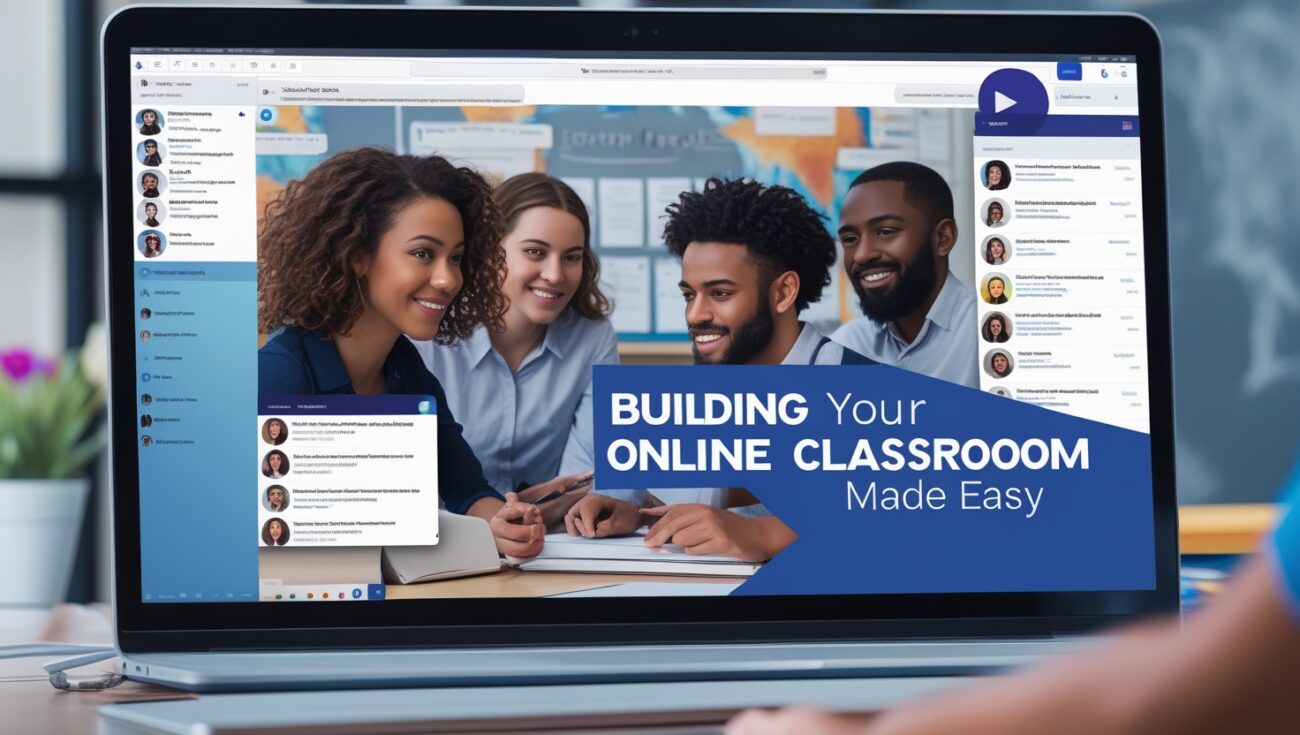
How to Build an Online Classroom Without WordPress
When I first got into online teaching, everyone told me I had to use WordPress. Plugins, themes, LMS add-ons, hosting… the whole thing felt like a never-ending maze. I tried it. I spent days setting up a WordPress site, only to deal with plugin conflicts and pages that wouldn’t load properly. It was overwhelming.
So I decided to simplify everything. I wanted a platform where I could teach online, build a classroom, and actually focus on my students — not tech issues. That’s when I discovered Skool.
Let me walk you through how I built my entire online classroom without using WordPress at all — and how you can do it too.
Table of Contents
Why I Ditched WordPress for My Classroom
The truth is, WordPress wasn’t built for online classrooms. You can force it to do the job with LMS plugins like LearnDash or Tutor LMS, but you still have to manage:
- Hosting
- Security
- Plugin updates
- Backups
- Design
And if one thing breaks, the whole site can fall apart. I wanted to teach, coach, and create — not troubleshoot PHP errors.
That’s why I made the switch.
The Platform I Use Now for My Online Classroom
I use Skool. It’s an all-in-one platform that lets me:
- Host my video lessons
- Organize content into classrooms
- Build a private community
- Run live events
- Collect payments via Stripe
No plugins. No coding. No WordPress headaches.
Everything is hosted on their servers, optimized, mobile-friendly, and secure. All I had to do was log in and start uploading my lessons.
Setting Up Your Online Classroom in Skool (Step-by-Step)
- Create a Skool account – Use this link to get started.
- Create a new group – This becomes your course/classroom.
- Set your price – I chose a monthly subscription model, but you can go free or one-time payment too.
- Build your classroom – Upload your modules, add lessons, organize them however you want.
- Engage with students – Use the built-in community feed for questions, discussions, and updates.
- Schedule live calls – I add Zoom links inside the Events tab. No external tools needed.
Within a couple of hours, I had a fully functional online learning hub, and my students were already logging in and watching lessons.
How It Compares to WordPress
Let me be clear — WordPress is powerful. But it’s not built for teachers. If you’re a developer or have a tech team, sure, you can make it work. But for solo creators like me, Skool removes all the friction.
There’s no need to worry about:

- Site speed
- Mobile responsiveness
- Plugin conflicts
- Payment gateway integrations
Everything is already built-in and designed for one purpose: delivering an engaging online classroom experience.
How I Deliver My Courses Without a Website
That’s the beauty of Skool. I don’t need a website at all. When someone asks about my course, I send them one link — my Skool group. It acts as my:
- Landing page
- Checkout page
- Content portal
- Student hub
- Community
I stopped paying for hosting, landing page software, and all the tech tools I used to need. Now I run everything from one clean platform.
It Also Helps With Retention
Another thing that surprised me is how community boosts completion rates. Inside Skool, students can comment, ask questions, and support each other right next to the lessons. That interaction keeps people engaged, and when people are engaged, they stick around longer.
With WordPress, I had to rely on email to communicate. Inside Skool, notifications go out automatically — students get updates when new lessons are added or when someone replies to their questions.
Final Thoughts: Build Smarter, Not Harder
If you’re tired of duct-taping plugins together or wasting hours trying to make WordPress act like a classroom, do what I did — switch to something built for creators and educators.
Start your Skool community here and build your online classroom in a way that’s fast, clean, and actually fun to manage.
I don’t miss WordPress. Not one bit.
Another reason I left WordPress behind was the constant updates. Every time WordPress rolled out a new version, or a plugin updated, something would break. I’d have to stop what I was doing and fix it — even if I was in the middle of recording a course. That interruption cost me money and momentum.
I also realized I didn’t want to be responsible for site security anymore. With WordPress, I was always worried about hacks, spam comments, or broken forms. With Skool, that stress is gone. They handle all of it — hosting, SSL, optimization, backups — and it’s always working.
Skool gave me one thing I couldn’t get from WordPress: peace of mind. I wake up and know my students can log in without issues. I don’t need to check a dozen tools. It just works.
I remember when I added my first five lessons inside Skool — I didn’t need to watch a tutorial or read a manual. The user interface is clean and intuitive. Upload, title, organize — that’s it. For someone who wants to focus on teaching, not tech, that’s a game-changer.
Another benefit I didn’t expect? My students love it too. They tell me all the time that it’s the easiest platform they’ve ever used. They’re not digging through confusing menus. Everything is inside one link — the classroom, the community, the events, even the leaderboards. It makes them want to log in and keep learning.
Engagement is everything when you’re teaching online. I used to wonder why students would buy courses and never complete them. Now I know — it’s not about the content, it’s about the environment. Skool creates an environment that supports learning.
Also, with Skool, I don’t need a designer or developer. I used to spend hundreds of dollars tweaking WordPress themes or fixing CSS issues. Now, that budget goes to creating better content, running ads, or saving time.
Let’s be honest — when you’re building something online, your energy is limited. If you’re spending it on plugins and page builders, you’re not using it to serve your students. Skool protects your energy because it’s distraction-free and purpose-built.
I’ve tried nearly every platform out there — Teachable, Thinkific, Kajabi, Podia. They all had upsides, but none of them offered what Skool does: community-first learning. That’s why I keep using it and why I recommend it to other creators, especially those just starting out.
I even tested running a mini-course on both Skool and WordPress just to compare completion rates. The Skool group had three times the engagement and more testimonials. That told me everything I needed to know.
If you’ve been struggling to launch your course, the problem might not be your content — it might be your setup. Choosing the right platform makes all the difference. And in my case, switching to Skool unlocked everything.
So if you’re ready to stop fighting with tech and start teaching with ease, create your Skool classroom here. That one step completely changed how I do business.


11 thoughts on “How to Build an Online Classroom Without WordPress”